
Event email marketing
The right message, at the right moment
“Keep the bond with your guests alive at every stage of the event, building interest,
anticipation and excitement with messages that arrive at the right moment.”
KEY FEATURES
Manage your event communications intelligently, all in one place
Communication that works: effective, personalised and in real time.
Emails that look good, work well and arrive on time
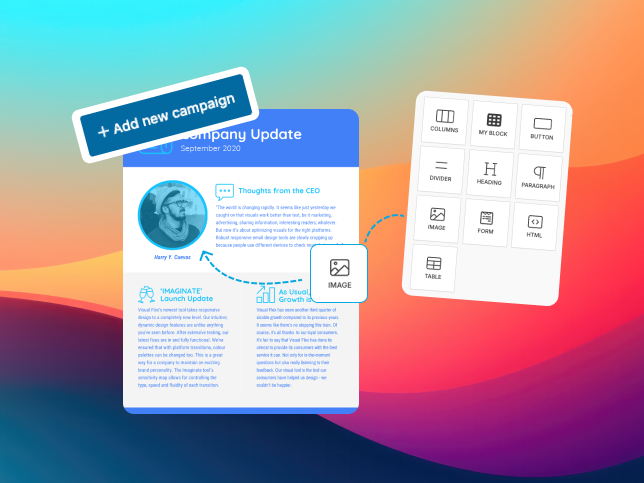
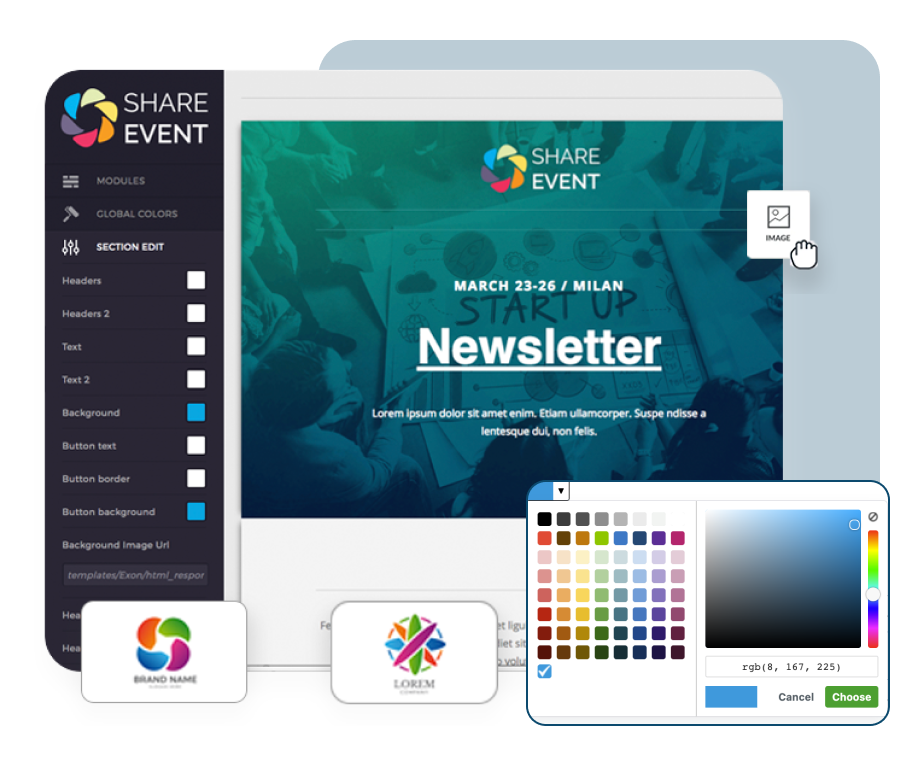
With the drag & drop editor you can easily build attractive emails perfectly in line with the look of the event or the company.
Add text blocks, images, buttons and graphic sections by simply dragging them, with no technical skills at all.
The dynamic fields (merge tags) automatically insert each attendee's personal details — name, ticket type, chosen sessions or personalised schedule — so every message is unique and relevant.
The result? Emails polished down to the last detail, and perfect on every device.

Targeted campaigns and intelligent sending
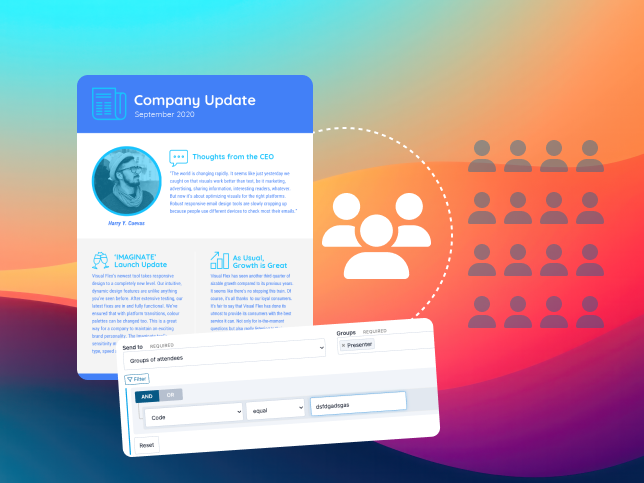
Run targeted email campaigns to specific groups or recipients, segmenting your audience precisely.
You can create custom sending groups (for example, only those who completed registration, or those attending a particular session) and schedule automated or timed campaigns.
Every send becomes part of a coordinated strategy that accompanies attendees along the whole event journey, from the first invitation to the final follow-up.
A system that builds the relationship, avoids repetitive messages and increases the impact of each one.
Advanced statistics and analysis
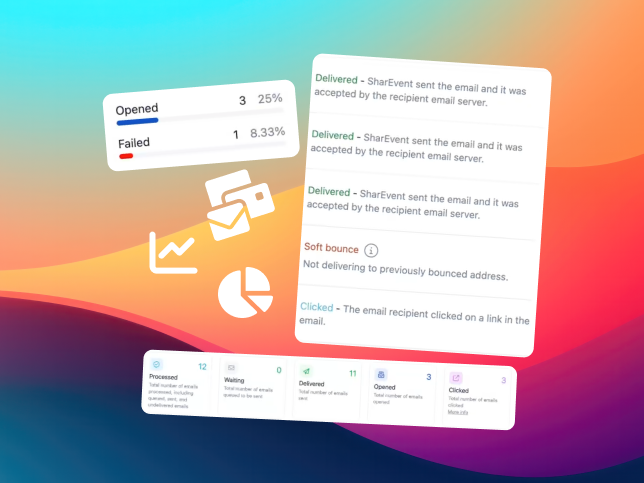
A clear, always up-to-date dashboard to monitor every aspect of your campaigns: emails delivered, undelivered, opens, clicks and hard bounces.
Decisions are made on the data, so you can take the right steps to raise open and interaction rates.

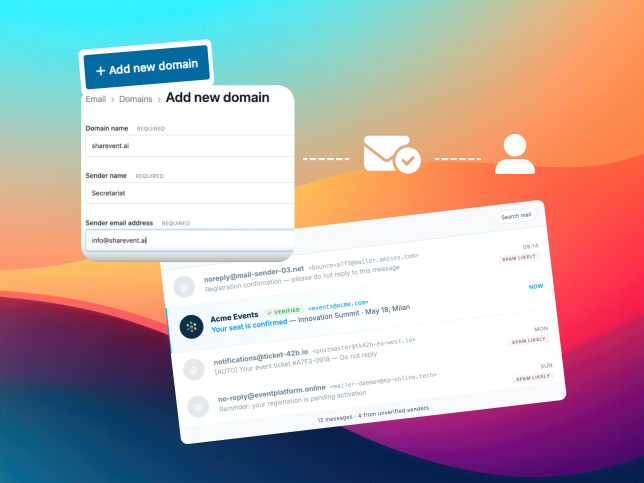
Custom sender
Because you can set custom senders, every email reaches attendees from a name and an address consistent with the organisation or the event.
This not only improves the recipient's trust and confidence, it also raises the open rate, making communications more effective.
Advanced options
Smart tools for communication that works
Personalise
Schedule it, automate it, then relax
Analyse
Keep everything under control
Personalise
Every attendee, a unique experience
Protect
Reliable sending, always under control
FAQs
-
Can I match the look of the emails to my event's design?
Absolutely.
SharEvent provides an intuitive drag & drop editor for building completely custom layouts: colours, logos, fonts and styles consistent with the brand or the visual identity of the event.
With dynamic fields you can automatically insert attendee data, such as the name or the ticket type purchased, so every email is unique. -
Can I send email campaigns to specific groups of attendees?
Of course.
With SharEvent you can segment recipients by criteria you define (ticket type, registration status, chosen sessions and so on) and send targeted campaigns only to certain groups or selected attendees.
This makes communication more effective, avoids generic messages and increases the relevance of every send. -
Can the system schedule emails to go out automatically?
Yes. Automatic scheduling lets you set the date and time of the send, or tie it to specific events (for example, completing a registration, or the day before the event).
SharEvent takes care of everything: the email goes out automatically according to your settings, keeping communication punctual and consistent. -
Can I monitor the results of the campaigns I send?
Absolutely.
The SharEvent statistics panel gives a complete view of performance: how many emails were delivered, undelivered, opened, clicked and bounced.
The data updates in real time and appears in clear charts, so you can judge the impact of each send straight away and improve future campaigns. -
Can system emails, such as confirmations or reminders, be handled automatically?
Yes. SharEvent also handles automatic service emails, such as registration confirmations, reminders, payment notifications and post-event messages. You can customise the text and design of these emails so they always reflect the tone and look of the event.
-
How does SharEvent make sure emails are delivered?
SharEvent uses monitoring and control systems to guarantee the highest possible delivery reliability.
It handles hard bounces automatically, monitors the sending servers and protects data to the highest standards of security and GDPR compliance.
● Get started
Start building your event today